Features
From the camera on the day to the gallery they keep.
11 tools, in the order the work happens. Each one has its own page: what it does, the real limits, and who can reach it today.
The shoot
From the card to a culled set, with your crew on it.
3 features
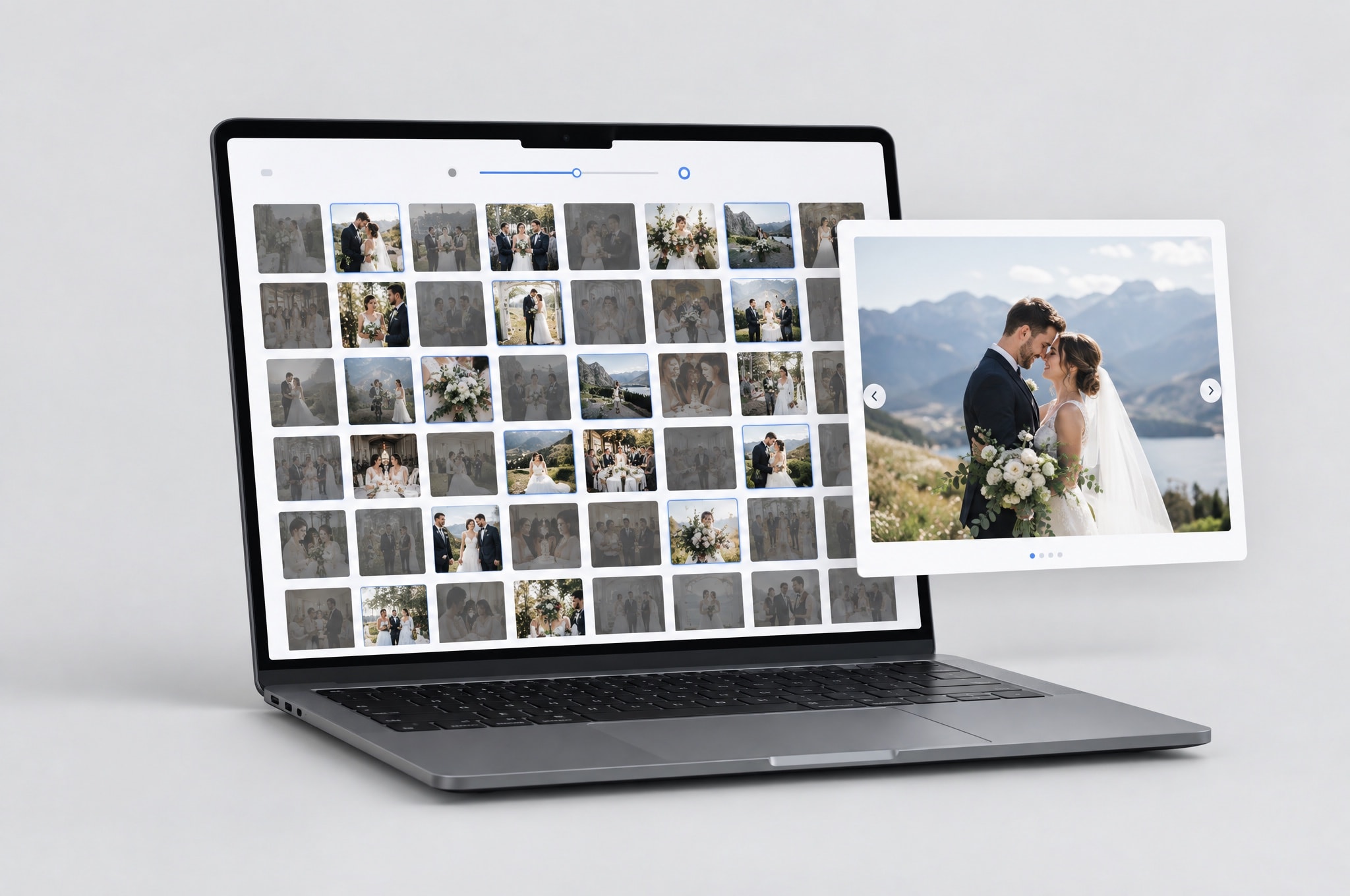
AI Cull
Score a shoot for sharpness, exposure and near-duplicates, and review a shortlist instead of four thousand frames.
Rolling out behind a feature flag. Event owner only.
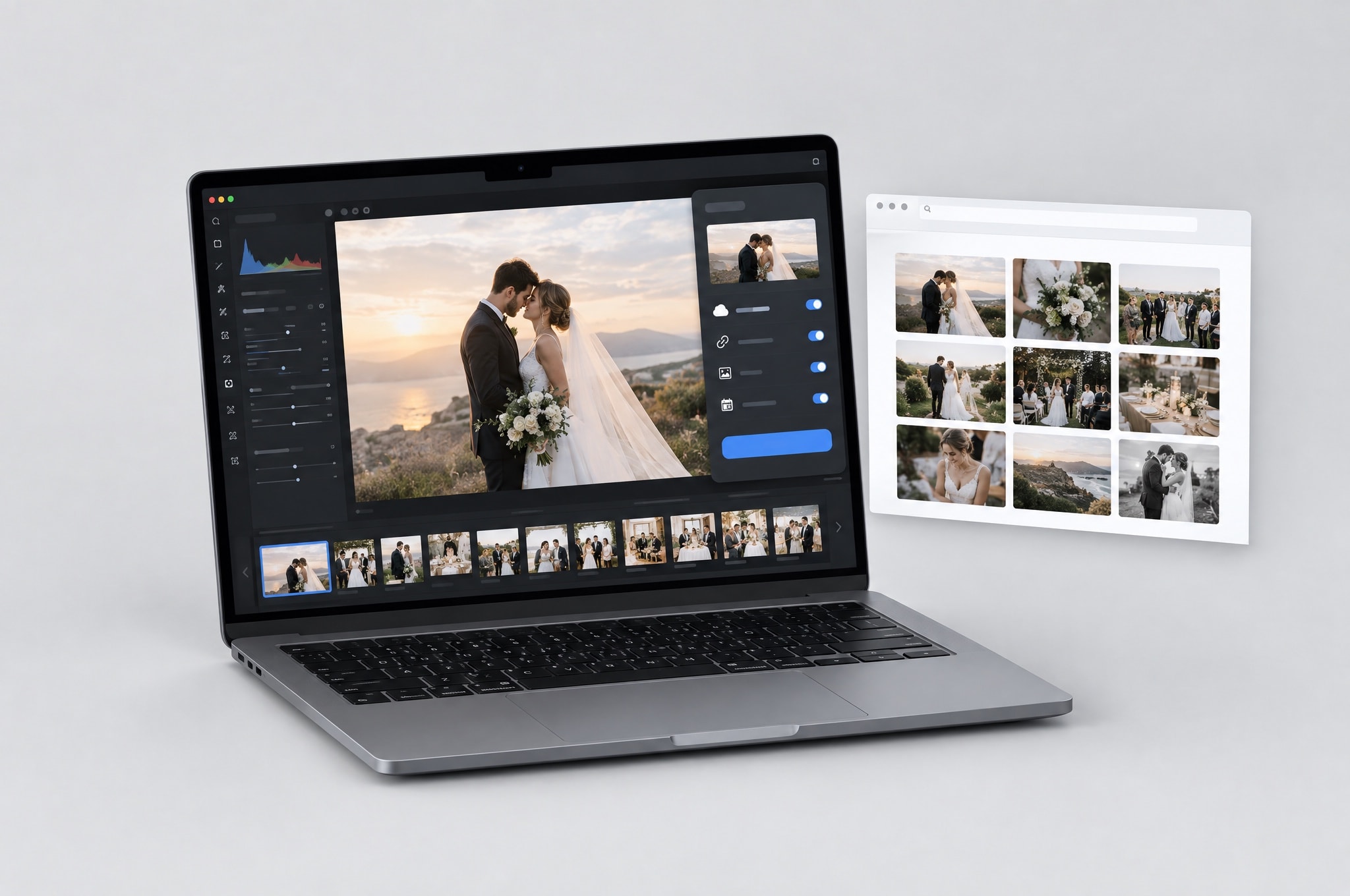
Publish from Lightroom
A publish service inside Lightroom Classic: drag photos in, hit publish, and they land in the event.
Available to every approved photographer.
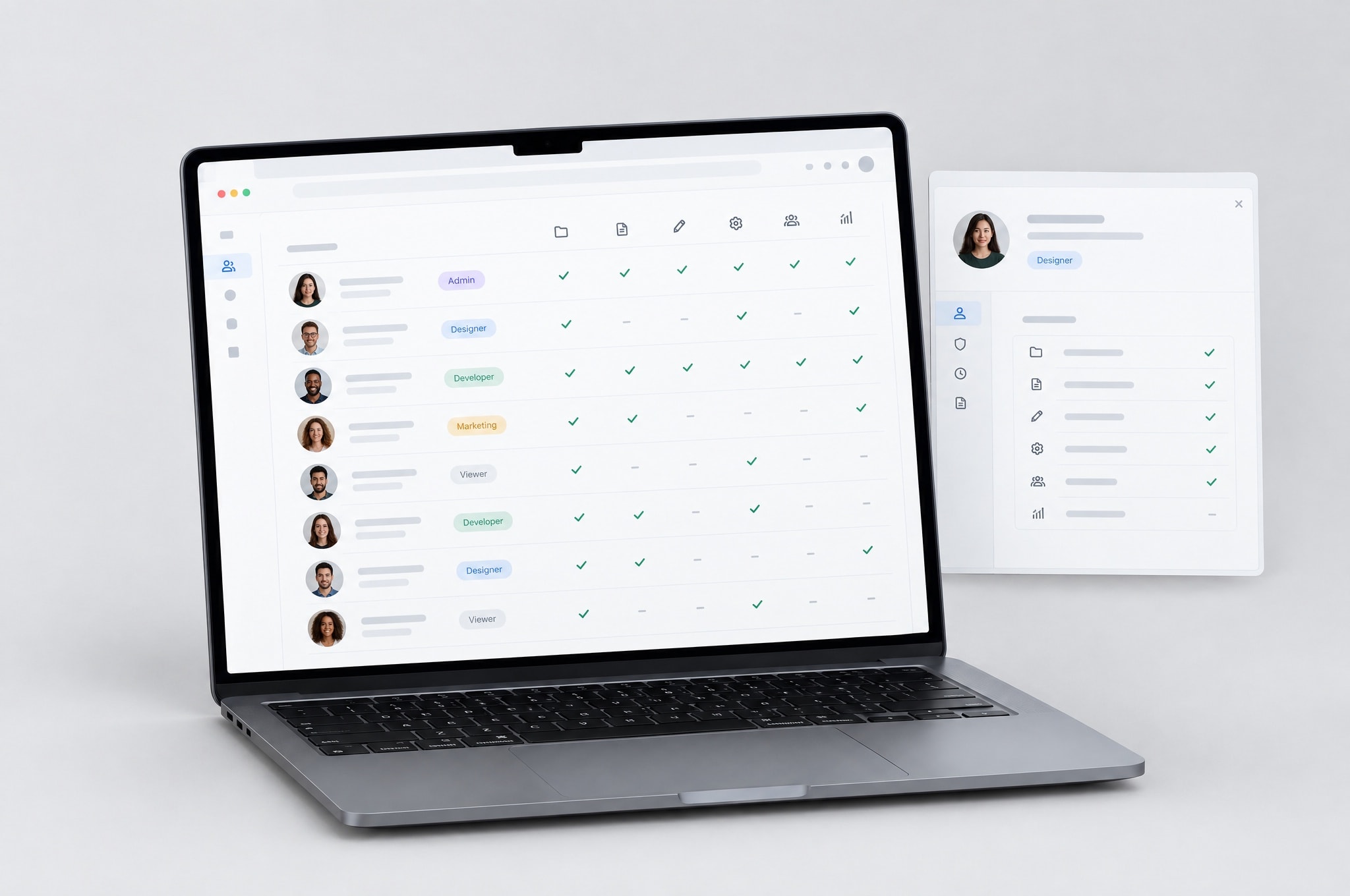
Studio team
Give crew their own logins with scoped access — while earnings, KYC and billing stay yours alone.
Live for photographer accounts; the studio chat room is switched on separately.
The hand-off
What the client opens, and whose name is on it.
4 features
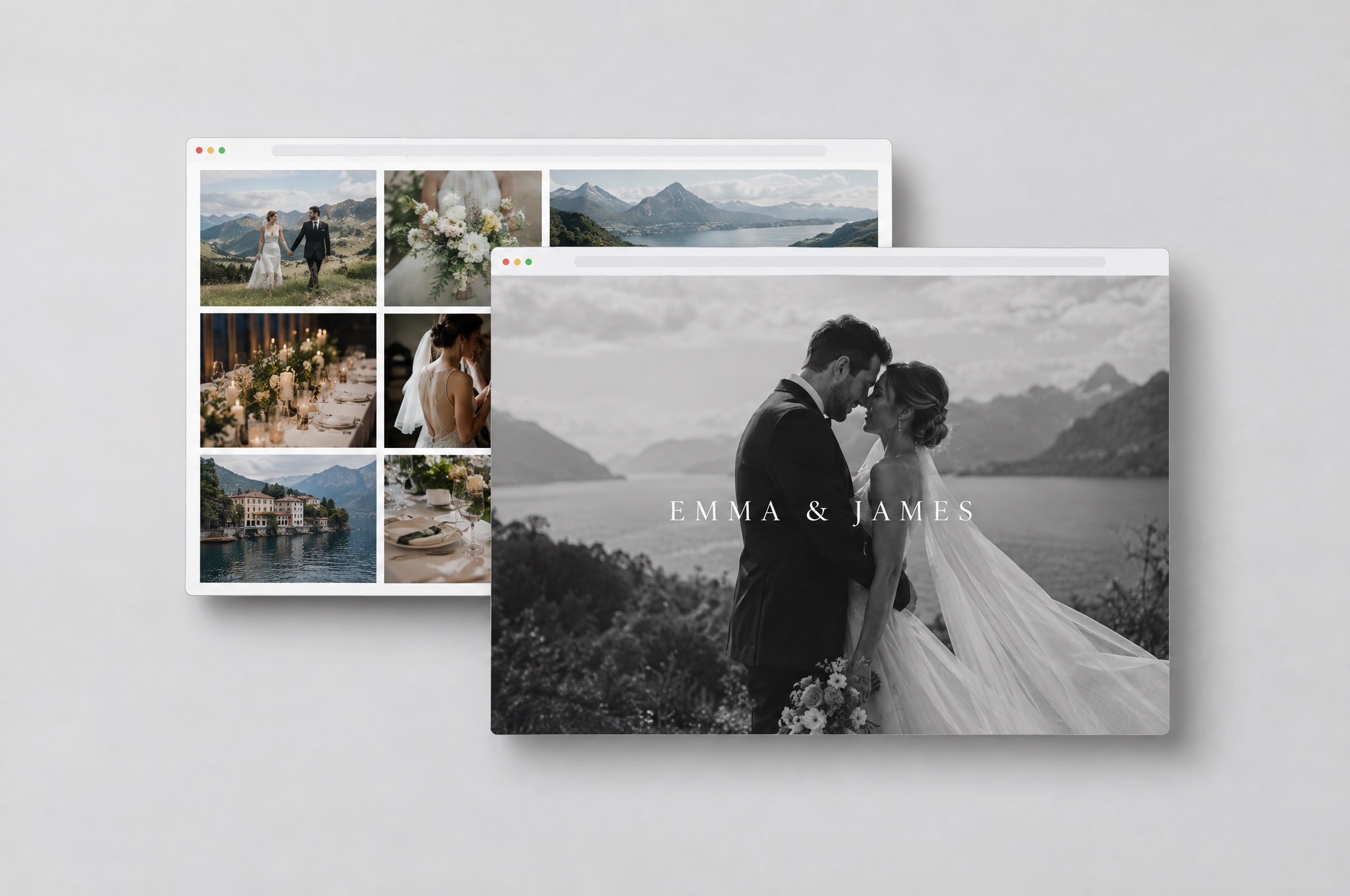
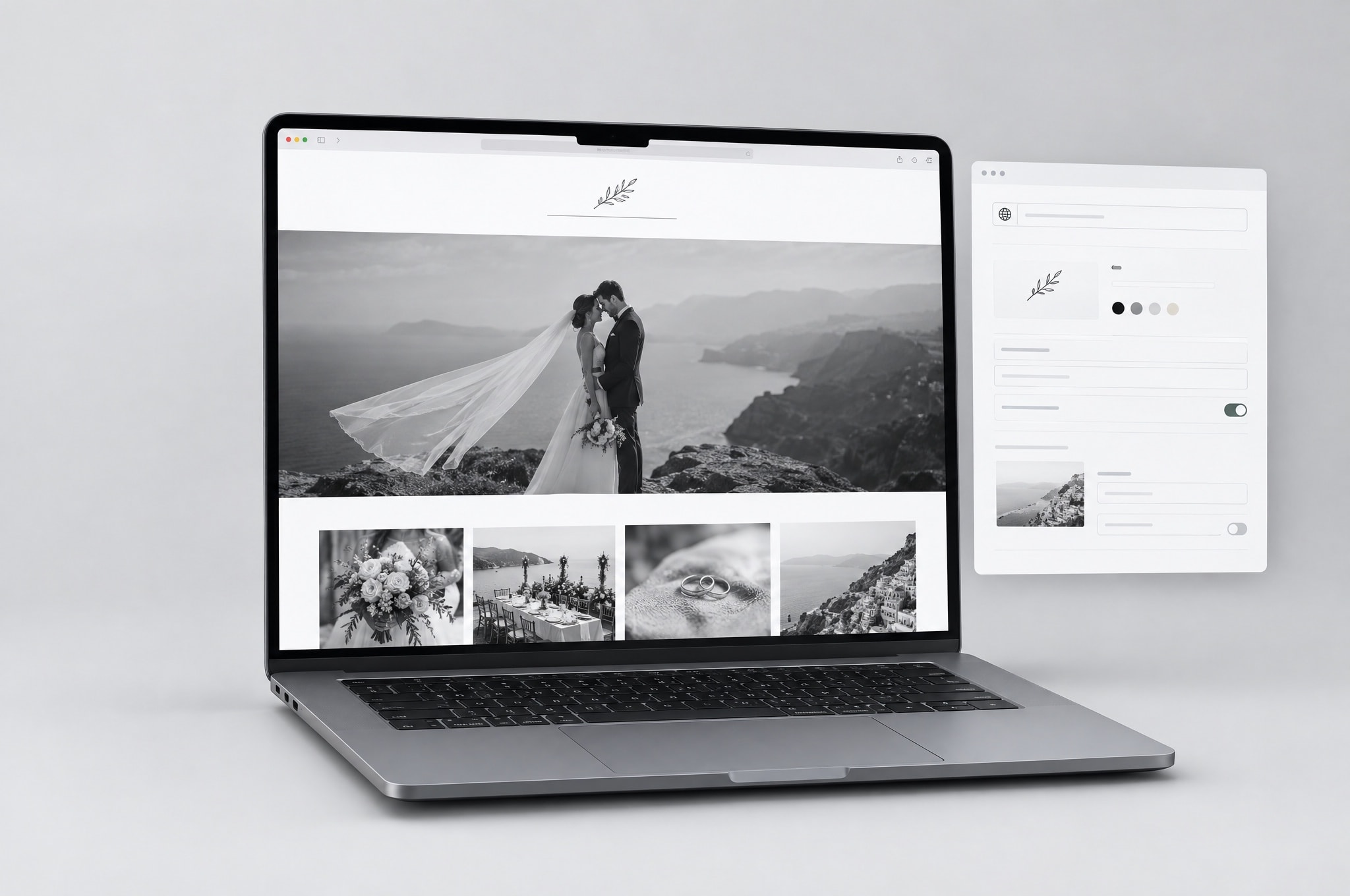
Your own branded gallery
Deliver from a domain of your own, with your studio's mark and none of ours.
Branding is free for every approved photographer. A branded subdomain is available from the mid tier; a custom domain on the top tier, one per studio.
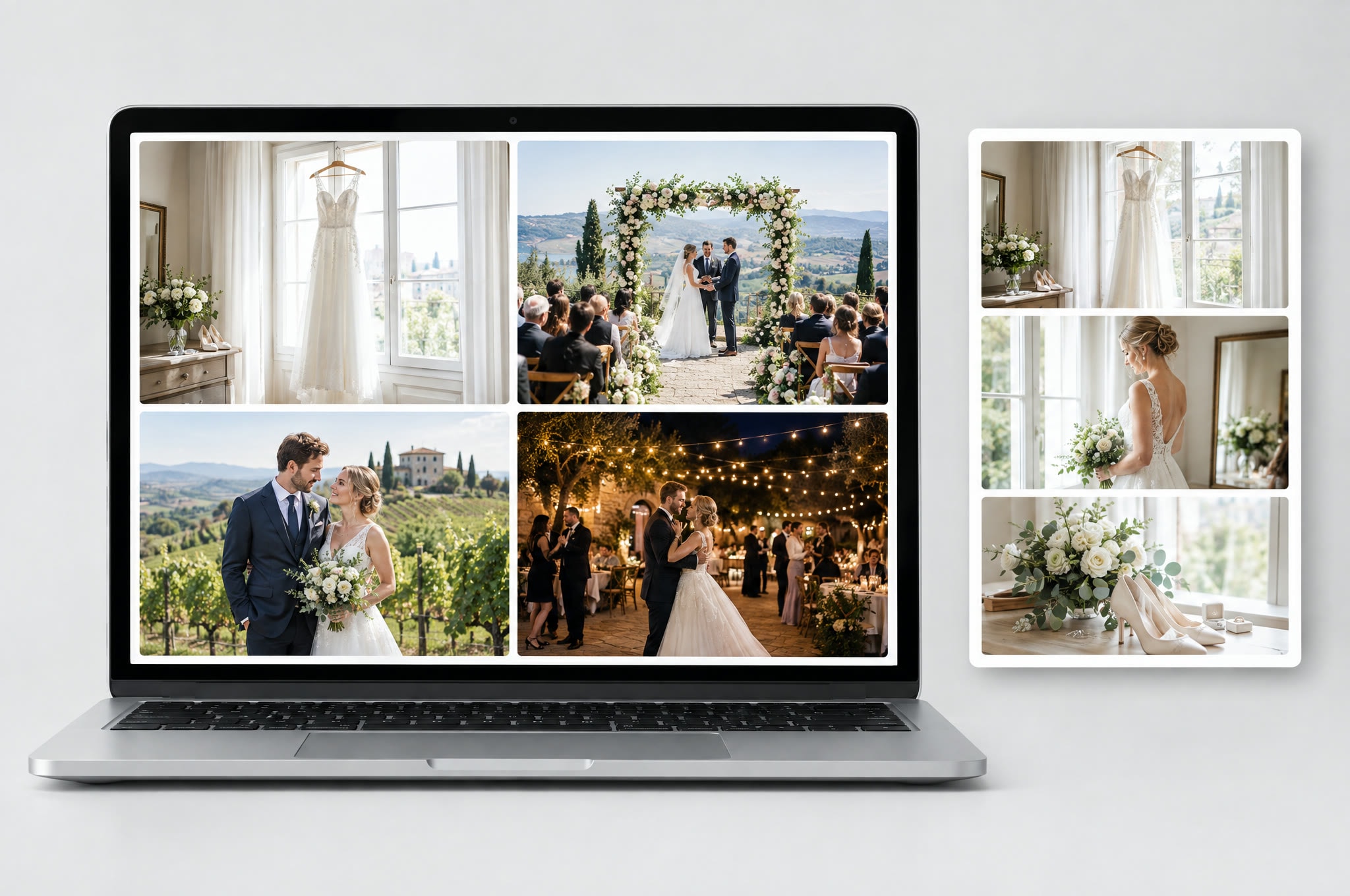
Collections
Cut one gallery into named sections — Mehendi, Ceremony, Reception — without duplicating a single file.
Live on every event. Creating collections is owner, editor and admin only; browsing is open to anyone with the link.
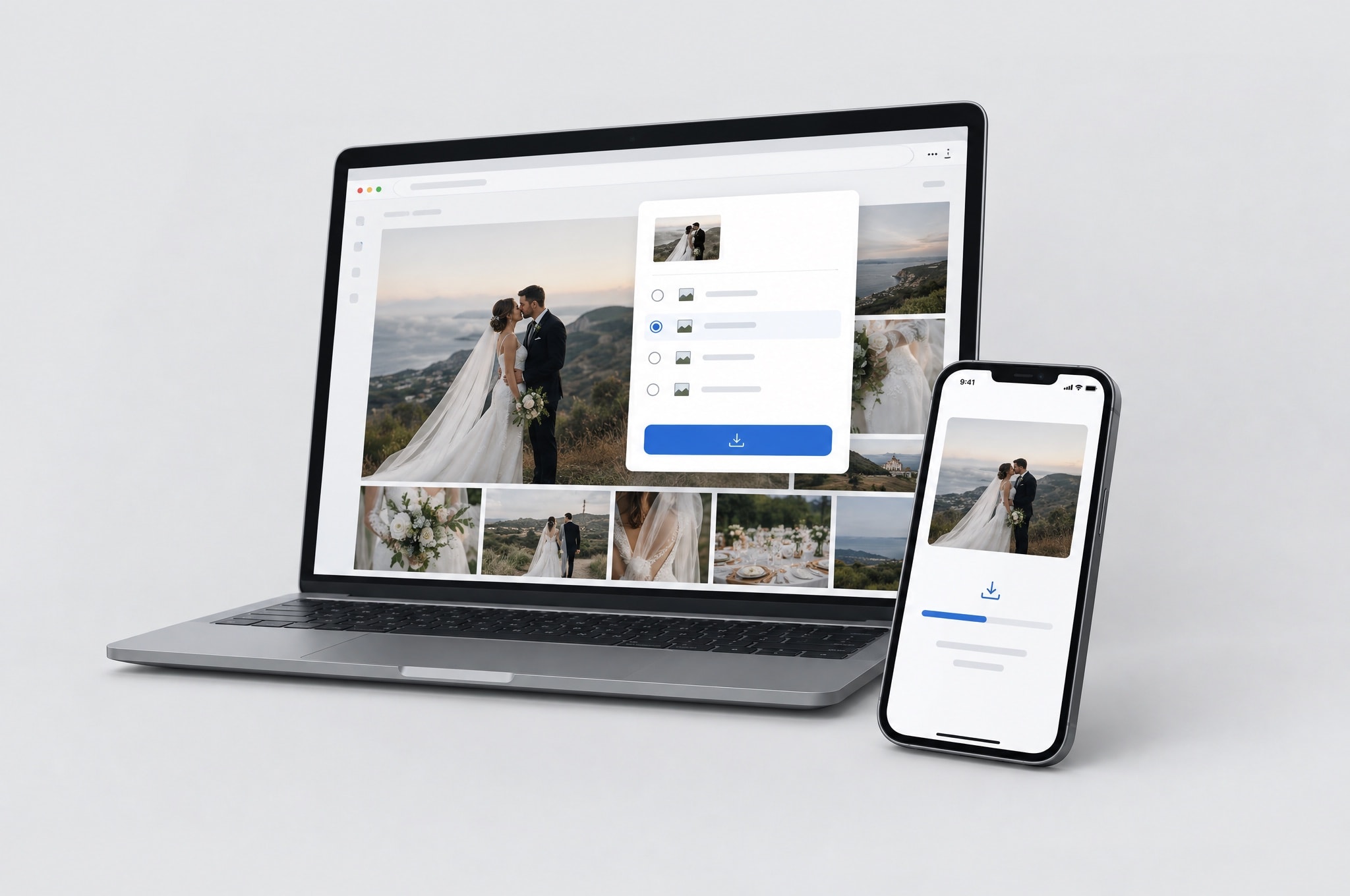
Download everything
Zip the whole gallery into one file, built on our side so your device isn't asked to hold the event.
Available where the photographer's plan includes gallery export; caps on photo count and total size vary by tier.
Inside the gallery
What everyone at the event can do once the photos are up.
4 features
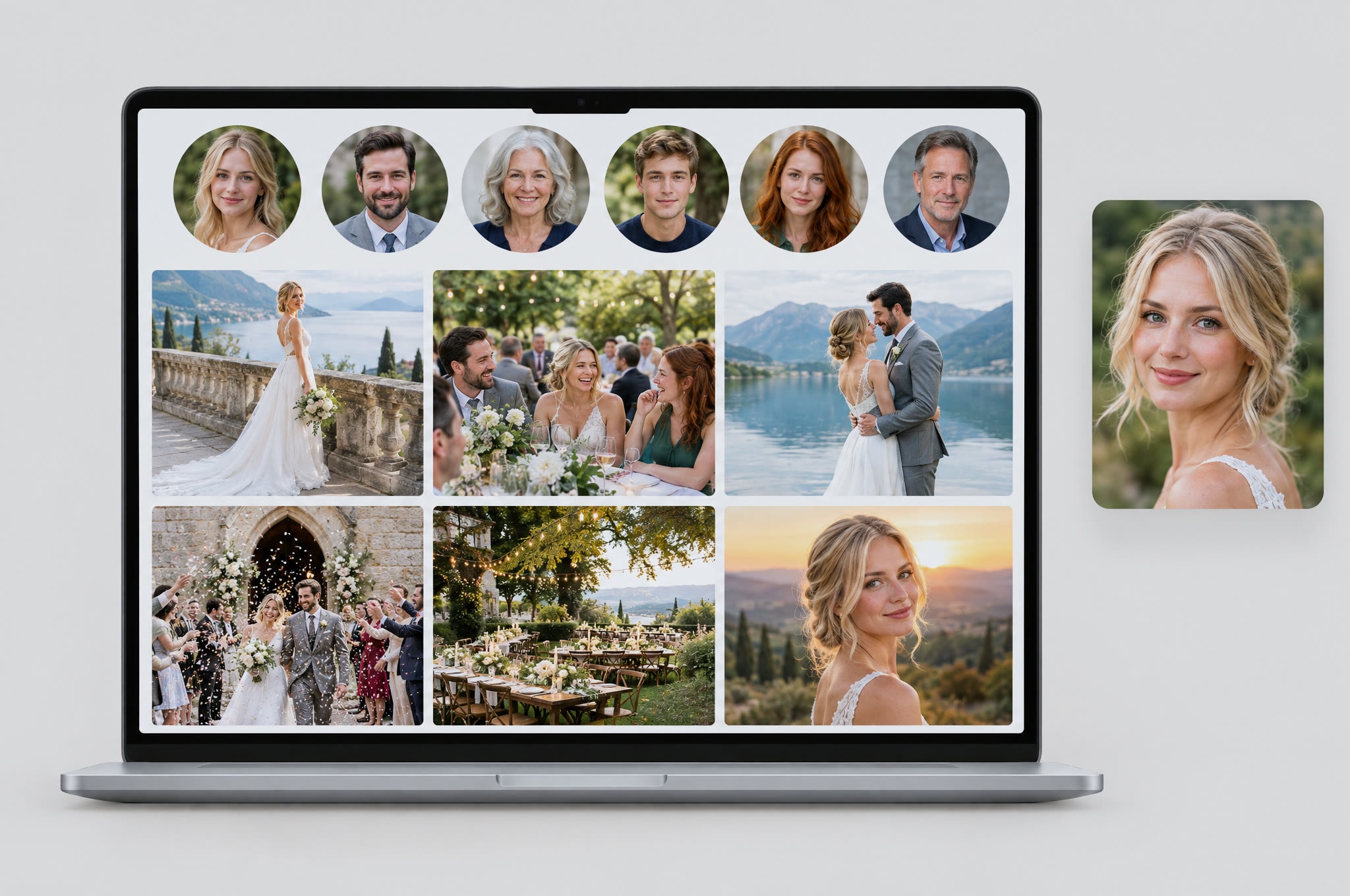
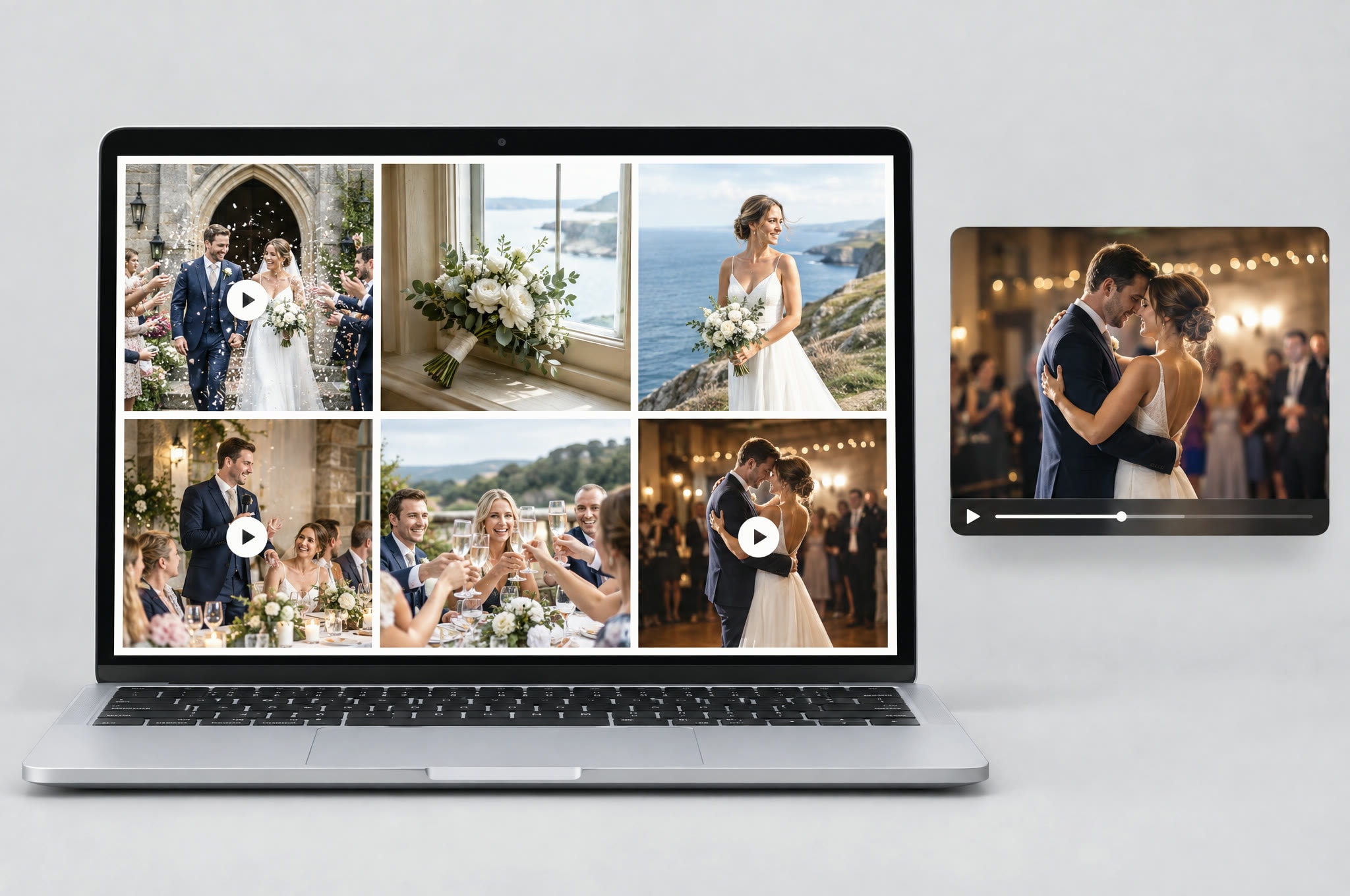
Photos & Video
Stills and clips in one gallery, in capture order — and face search reads both.
Live on every event. No flag, no tier.
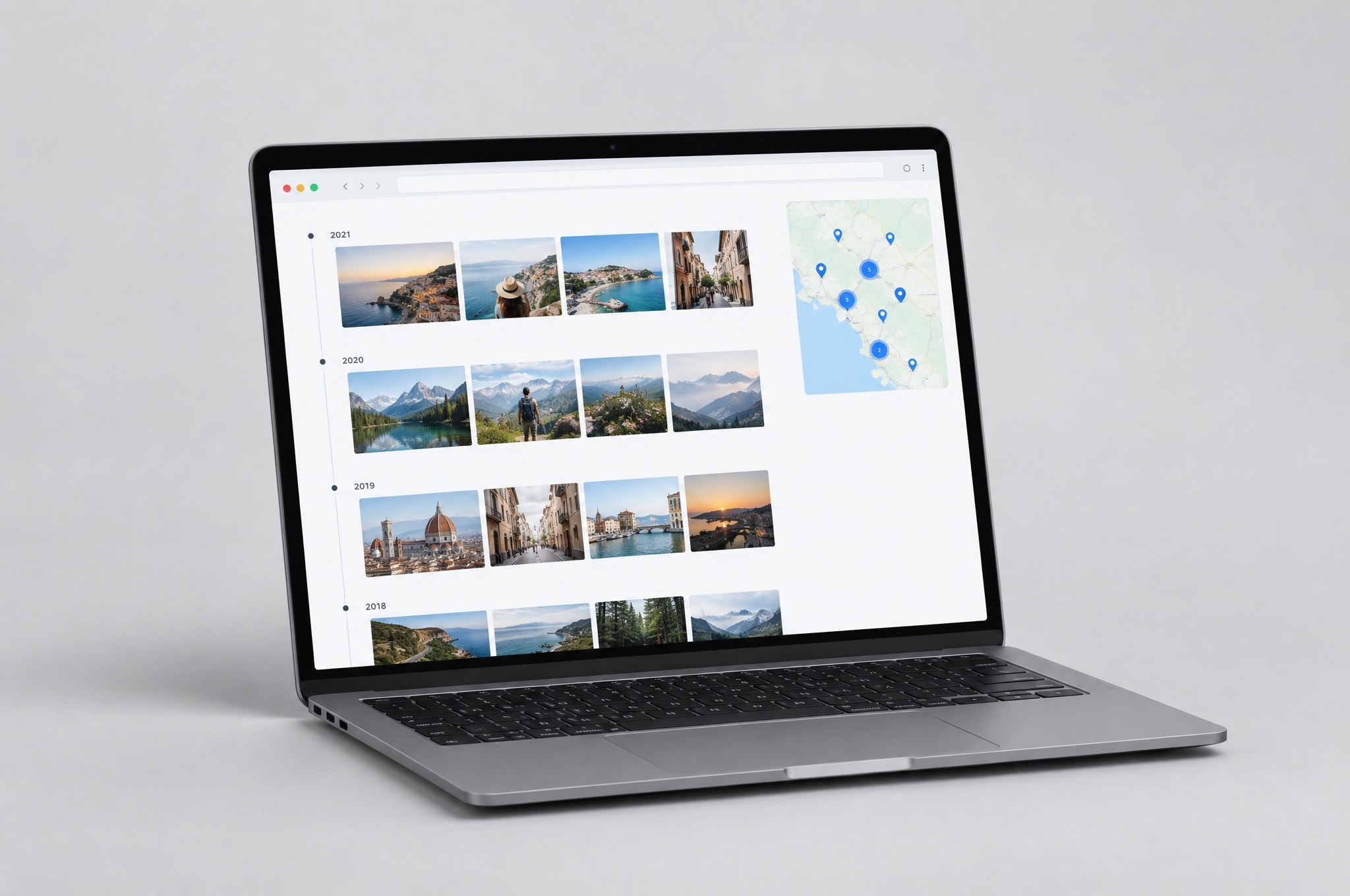
Timeline & Map
The event replayed in capture order and pinned to where it happened — read from each photo's own EXIF.
Live on every event.
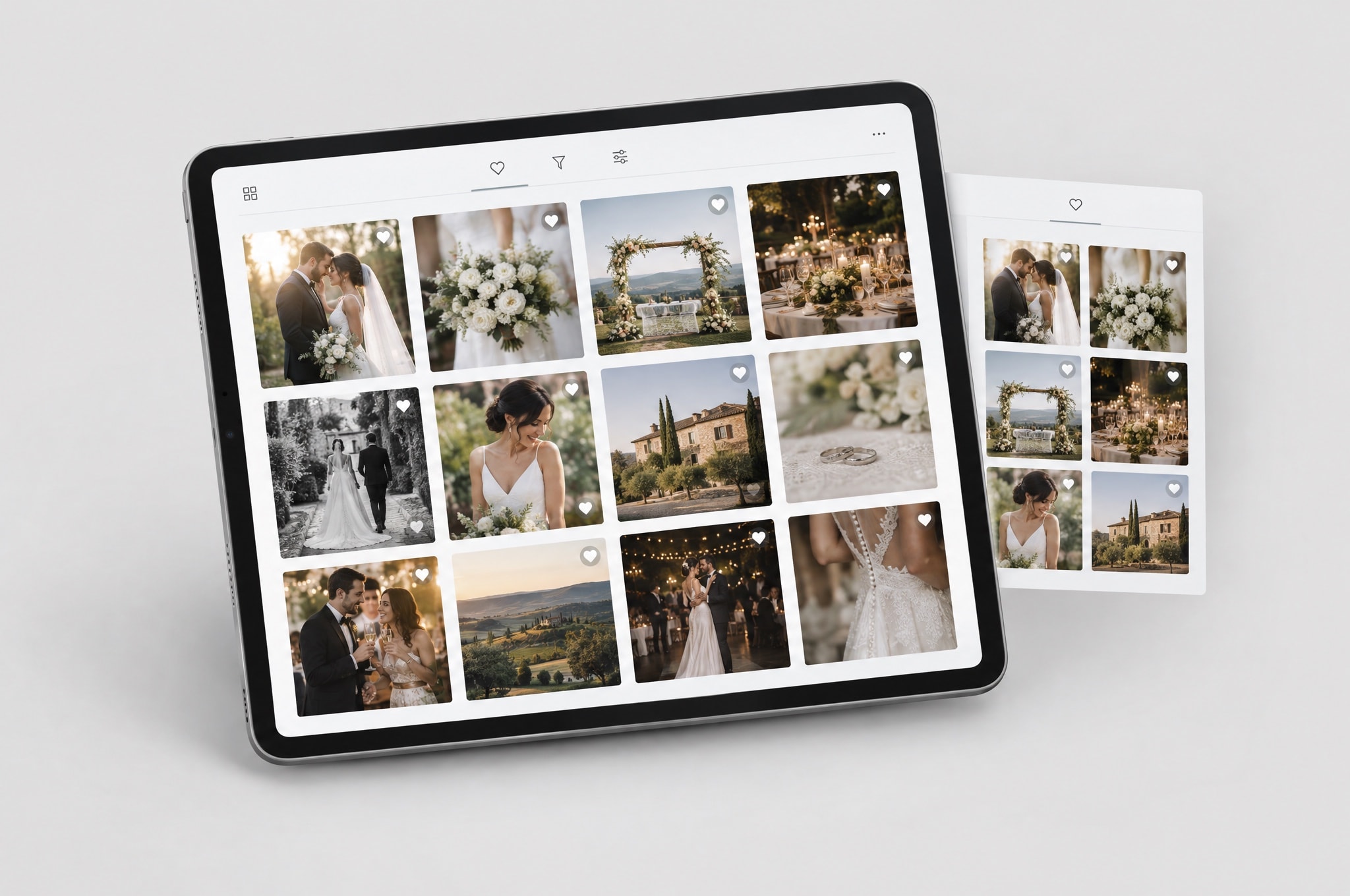
Album Photo Selection
Pick the album shots on a screen built for picking, and send the set straight to the photographer.
Live on every event. Owner, editor and admin only.
Family Cloud Backup is a separate product: a private shared album with the same face search, 5 GB free.
Family Cloud Backup