Share a gallery or a photo
Updated
Send the gallery link, or one photo, to anyone.
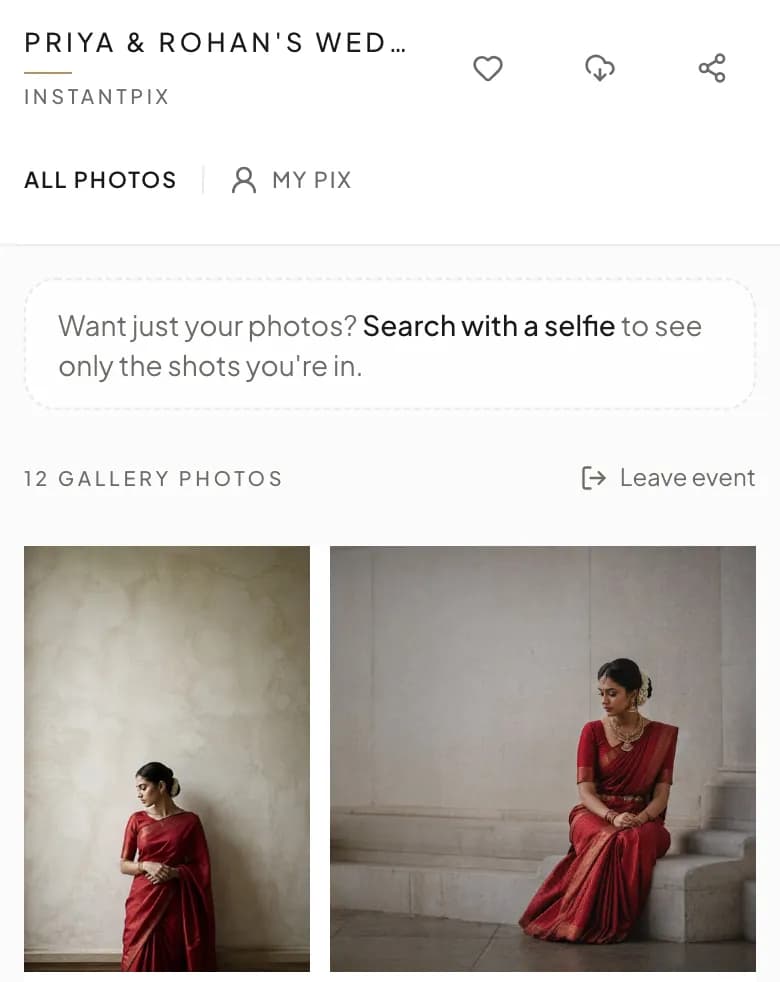
- Step 1: In the gallery, tap Share to copy the gallery link.
- Step 2: To share one photo, open it and tap Share.
- Step 3: Paste the link into WhatsApp, a message or an email.
TipA link a guest shares never includes the event's join code or the gallery passcode.
Photographers can also print the event's QR from Settings › Join code & QR.
Related
Still stuck? Contact us