Invitation websites
Updated
Make a website for any occasion, share the link and collect replies.
- Step 1: Open Invitations and start a new one.
- Step 2: Pick the occasion. Each screen asks one question, like the names, the functions or the music. Tap Next to go on, or Skip on Music and Extras.
- Step 3: On Publish, tap Publish site, then Copy link or Share.
- Step 4: Read replies under RSVPs, and tap Download CSV to save them.
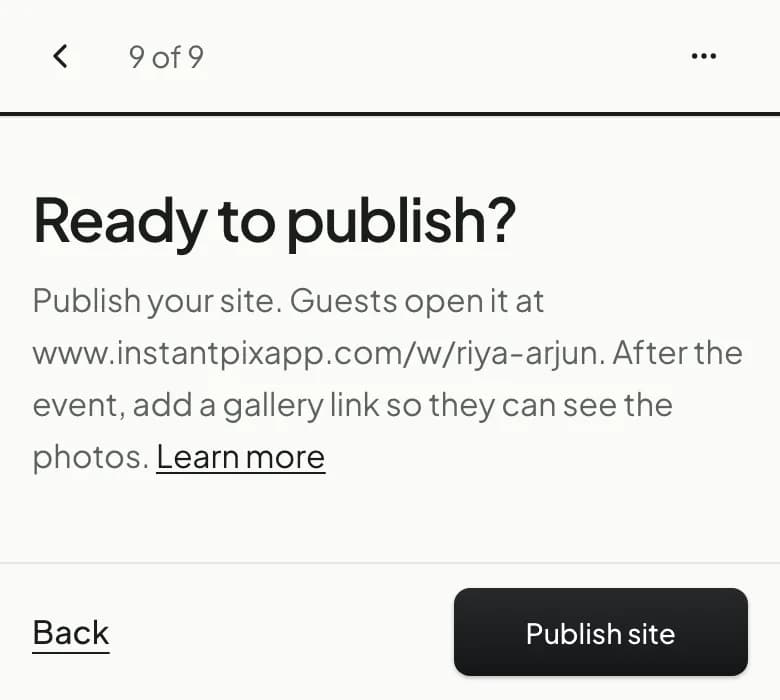
TipYou can unpublish the site any time from the Publish step.
Add a function with one of the suggestions or Add a function. Its editor has three parts: When, Where and For guests. Search for the venue and pick it to fill in its address and map pin, or just type. Tap Add on a row for more, like a landmark or what to wear. The City under More options on the names screen is a search too.
What your guests see
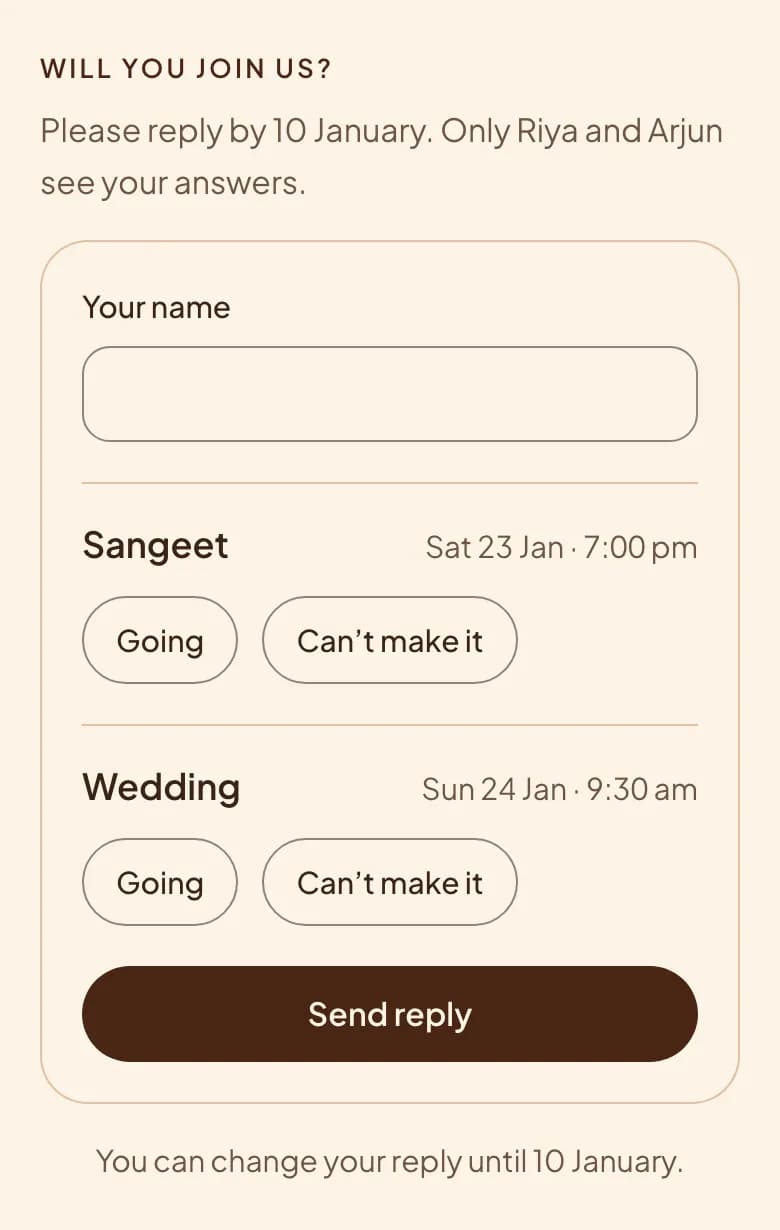
Guests open the link, read the details, answer for each function and tap Send reply.
Related
Still stuck? Contact us