Gallery expiry
Updated
Give the gallery passcode an end date. When it passes, the gallery closes until you extend it.
- Step 1: Open your event and go to Settings › Access.
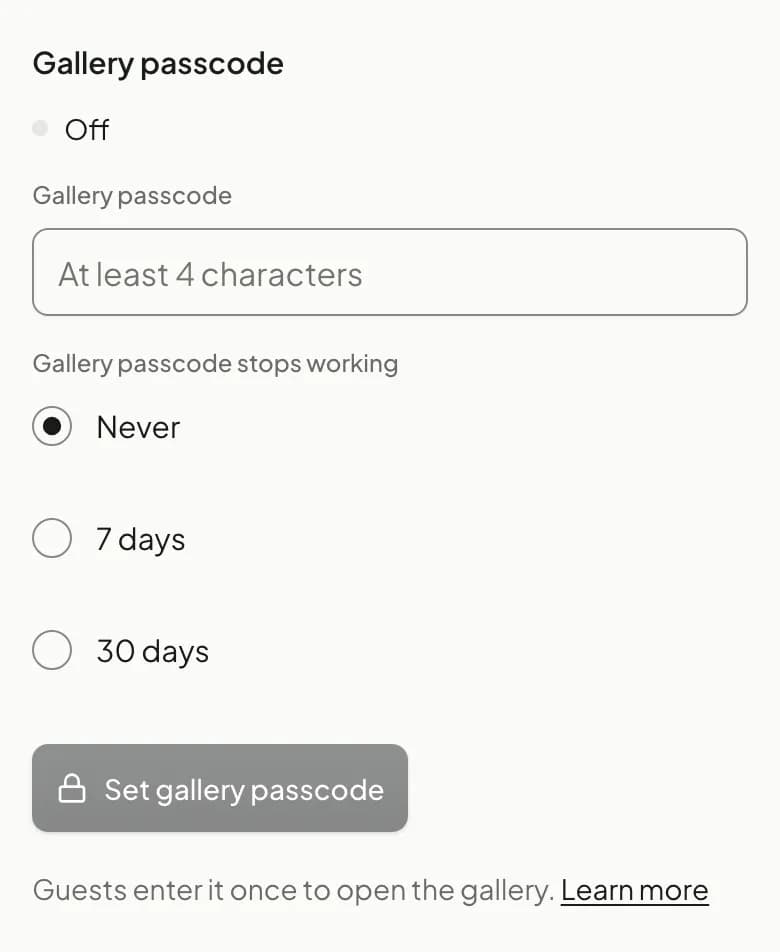
- Step 2: Under Gallery passcode, type a passcode and tap Set gallery passcode.
- Step 3: Choose when the Gallery passcode stops working: Never, 7 days or 30 days.
- Step 4: To reopen a closed gallery, tap Extend gallery and pick a new end date.
TipA closed gallery never opens to everyone. Nobody can open it until you extend it or set a new passcode.
What your guests see
After the end date, guests see Gallery closed and a line asking the studio to reopen it. Guests aren't shown the date beforehand, so tell them when to download.

Related
Still stuck? Contact us