Hold prints until you release them
Updated
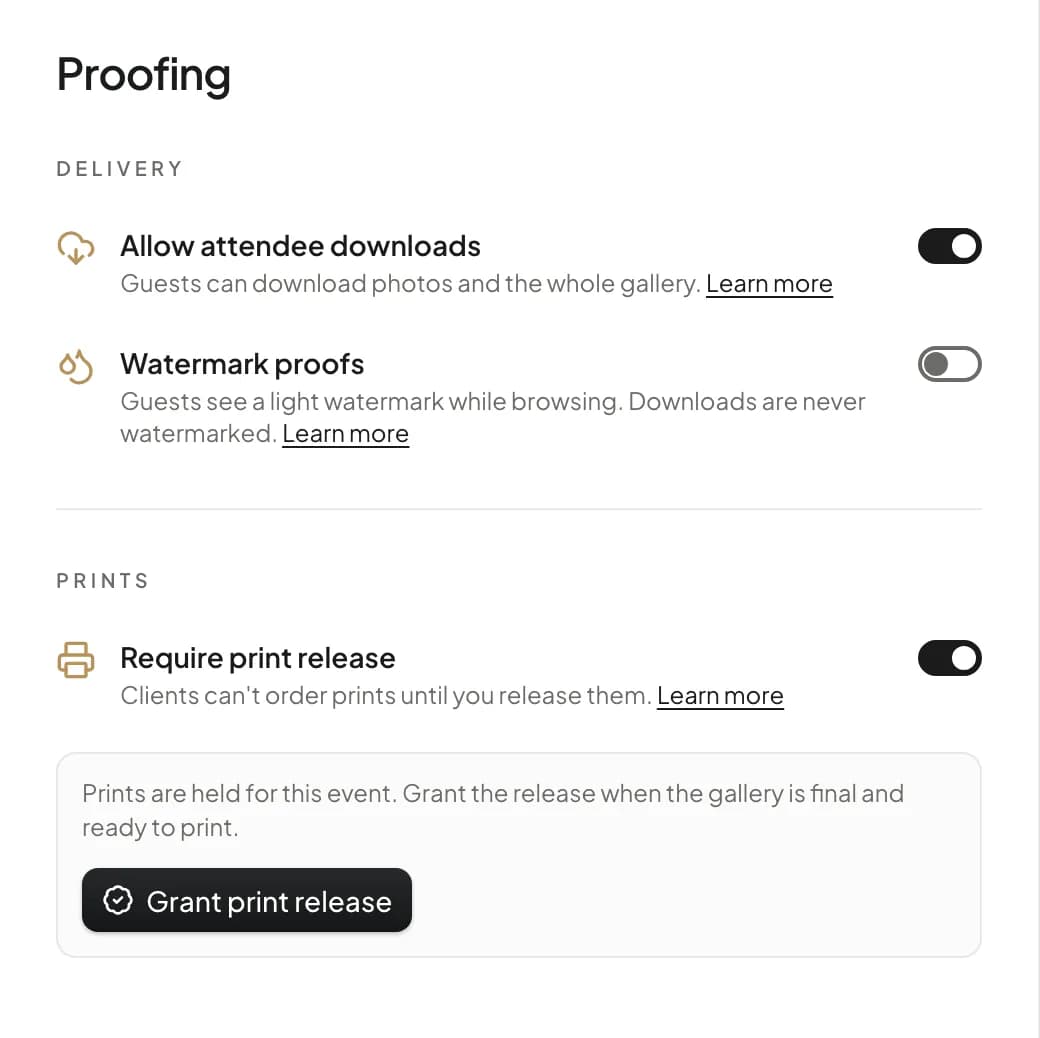
Turn on Require print release to stop clients ordering prints from an event until you say the gallery is final.
- Step 1: Open your event and choose the Design tab.
- Step 2: Go to Proofing. Under Prints, turn on Require print release.
- Step 3: When the gallery is final, tap Grant print release. The box changes to Prints released — clients can order now.
- Step 4: To hold prints again, tap Revoke.
TipTurn it on while you finish culling and retouching. Turning Require print release off opens print orders again.
What your guests see
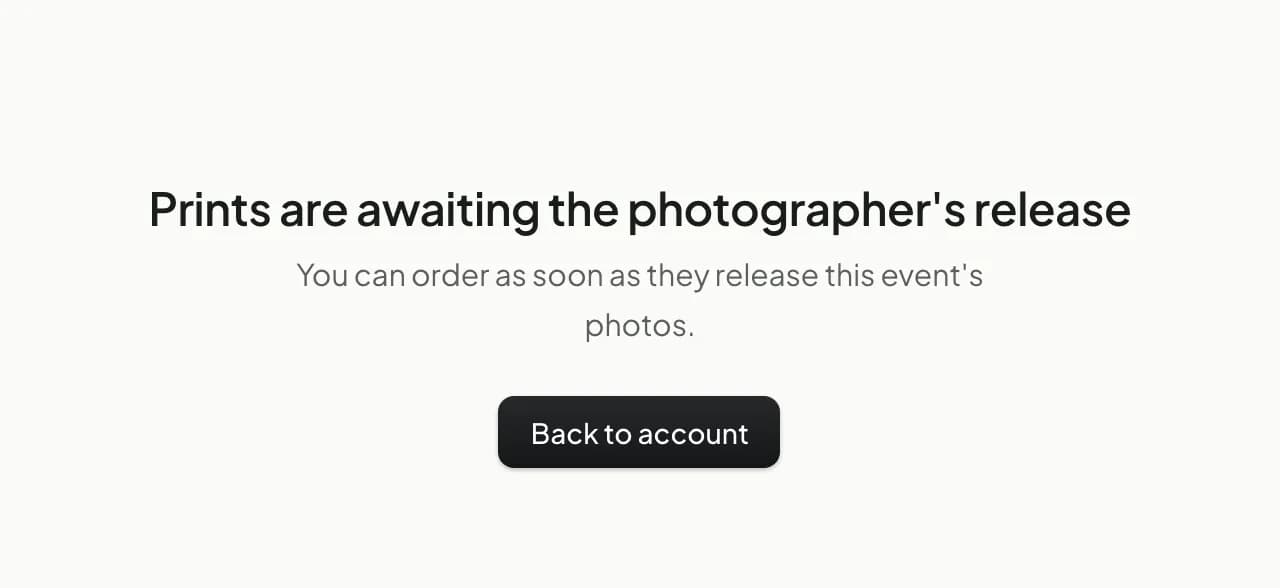
In the print store, an event on hold shows Prints are awaiting the photographer's release, and there's no checkout.
Related
Still stuck? Contact us