Photo alerts and the WhatsApp alert photo
Updated
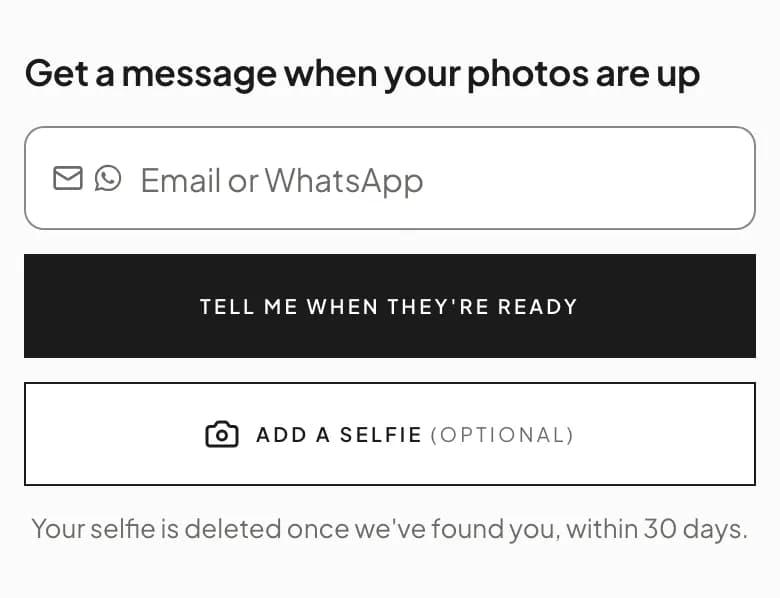
Guests leave an email or WhatsApp number before the photos are up, and they get a message when the photos are ready.
- Step 1: Open your event and go to Settings › Event details.
- Step 2: Find WhatsApp alert photo and tap Choose photo.
- Step 3: Pick a photo from the event. It leads your photo alerts.
- Step 4: To go back to the default, tap Remove.
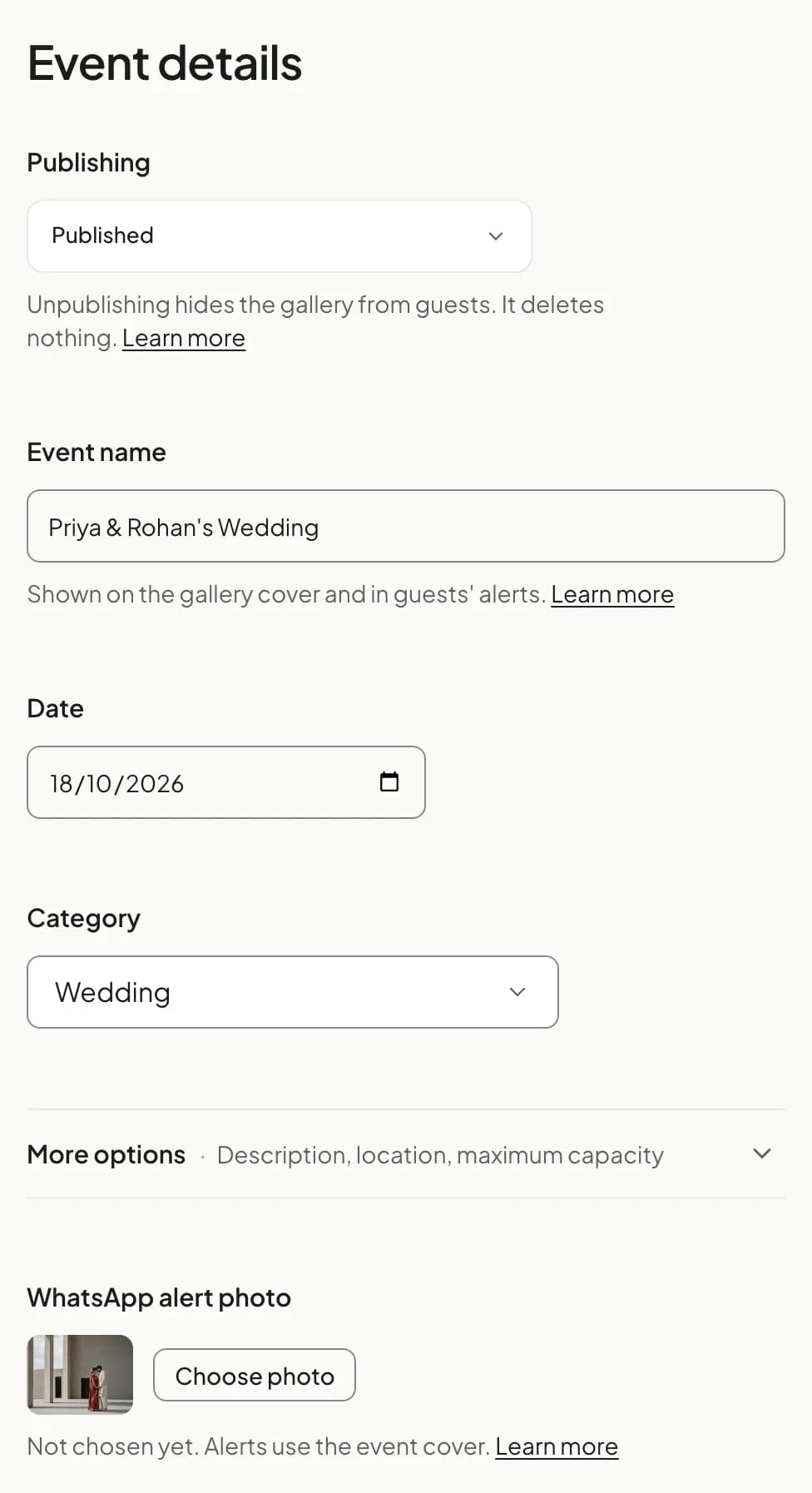
TipIf you don't choose one, alerts use the event cover, or the plain InstantPix banner if there's no cover. A guest who was found in the photos still sees their own photo first.
The Event name shows in the alerts.
What your guests see
Before photos are up, the gallery shows Get a message when your photos are up. Guests type an email or WhatsApp number (a phone gets a quick code, and no account is needed), can Add a selfie if they want, and tap the button, for example Tell me when they're ready. The selfie is deleted once they're found, within 30 days.
Related
Still stuck? Contact us