Publish from Lightroom Classic
Updated
Send photos from Lightroom Classic straight into an InstantPix event.
- Step 1: Open Lightroom in your dashboard menu, tap Download plugin (.zip) and unzip it.
- Step 2: In Lightroom Classic, go to File › Plug-in Manager › Add and pick InstantPix.lrplugin.
- Step 3: Back on the Lightroom page, name a token and tap Generate token.
- Step 4: In Lightroom, open Publish Services › InstantPix › Set Up, paste the token, pick an event and publish.
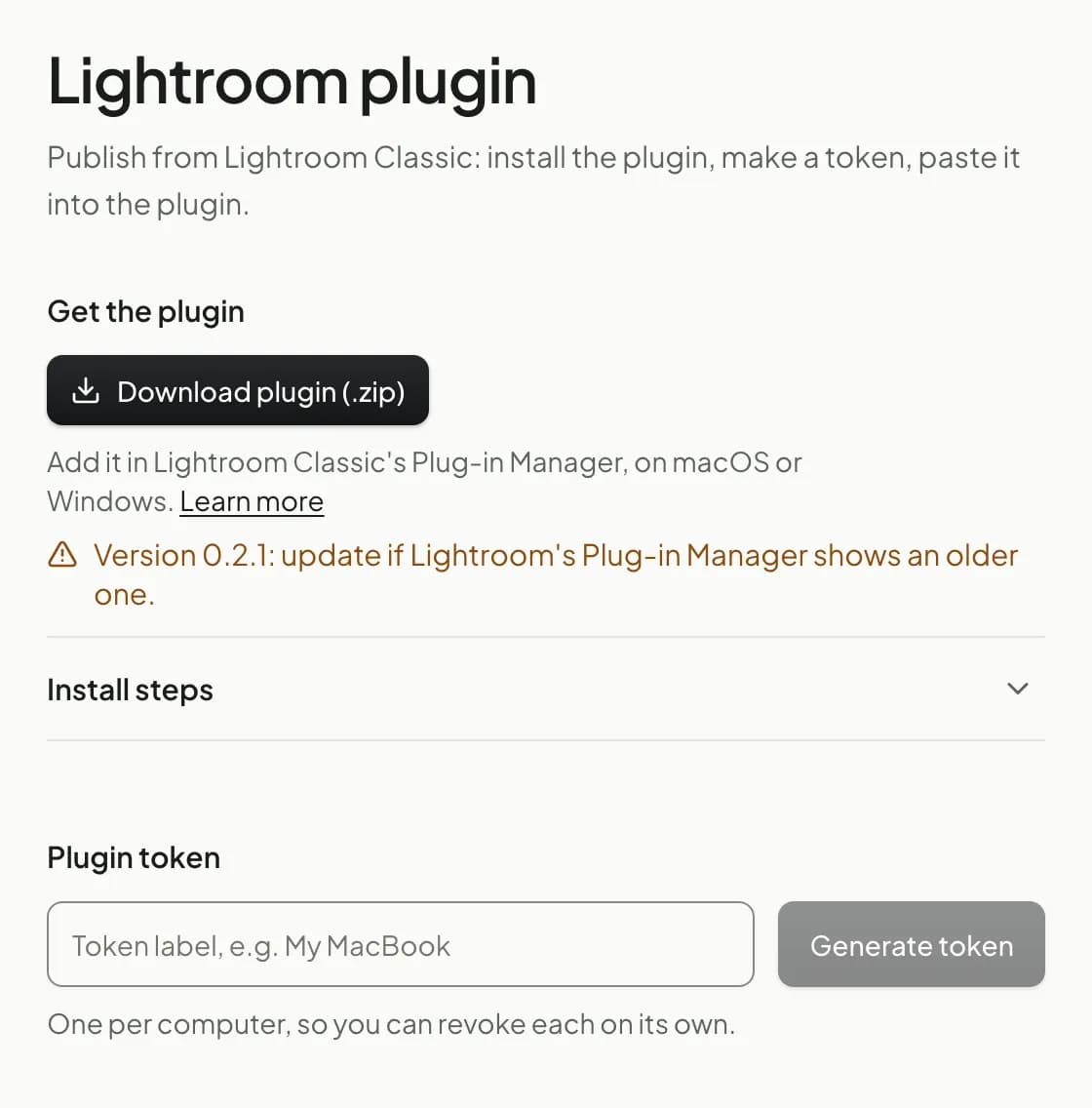
TipVersion 0.2.1 is current. Update if Plug-in Manager shows an older one.
Related
Still stuck? Contact us