Publish or unpublish a gallery
Updated
Published galleries open for guests. Unpublishing hides the gallery and deletes nothing.
- Step 1: Open your event and go to Settings › Event details.
- Step 2: Under Publishing, open the menu and pick Published or Unpublished.
- Step 3: To unpublish, confirm Unpublish this gallery?. You can publish again any time.

TipWhile it's unpublished, your clients lose the link, downloads and face search. Nothing is deleted.
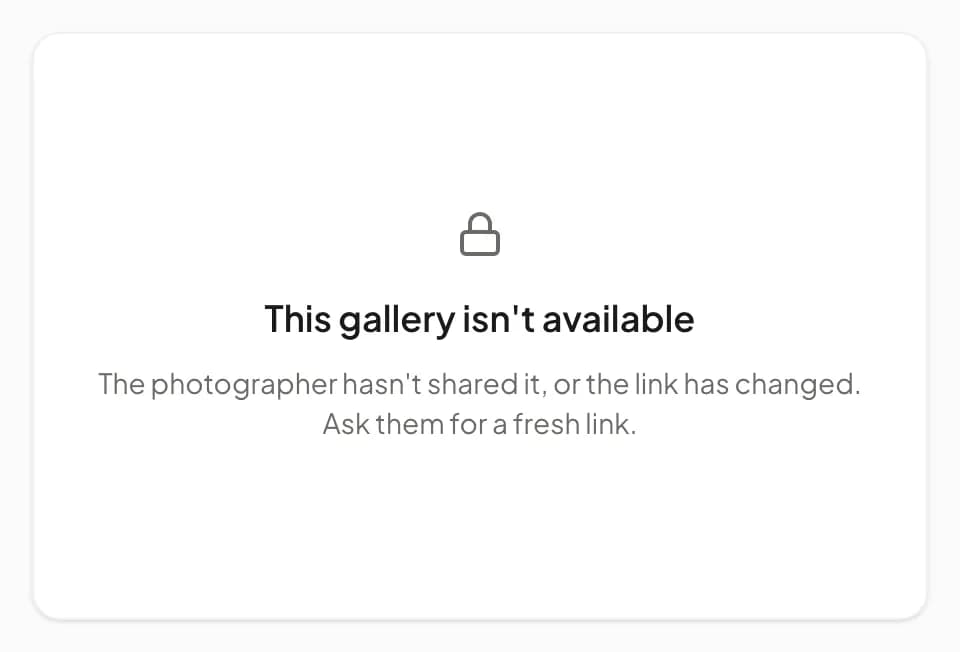
What your guests see
Guests who open the link see This gallery isn't available until you publish it again.
Related
Still stuck? Contact us