Get ready to take bookings
Updated
Clients book your packages. You can send prices straight away, and clients can pay the advance once your ID and bank are checked.
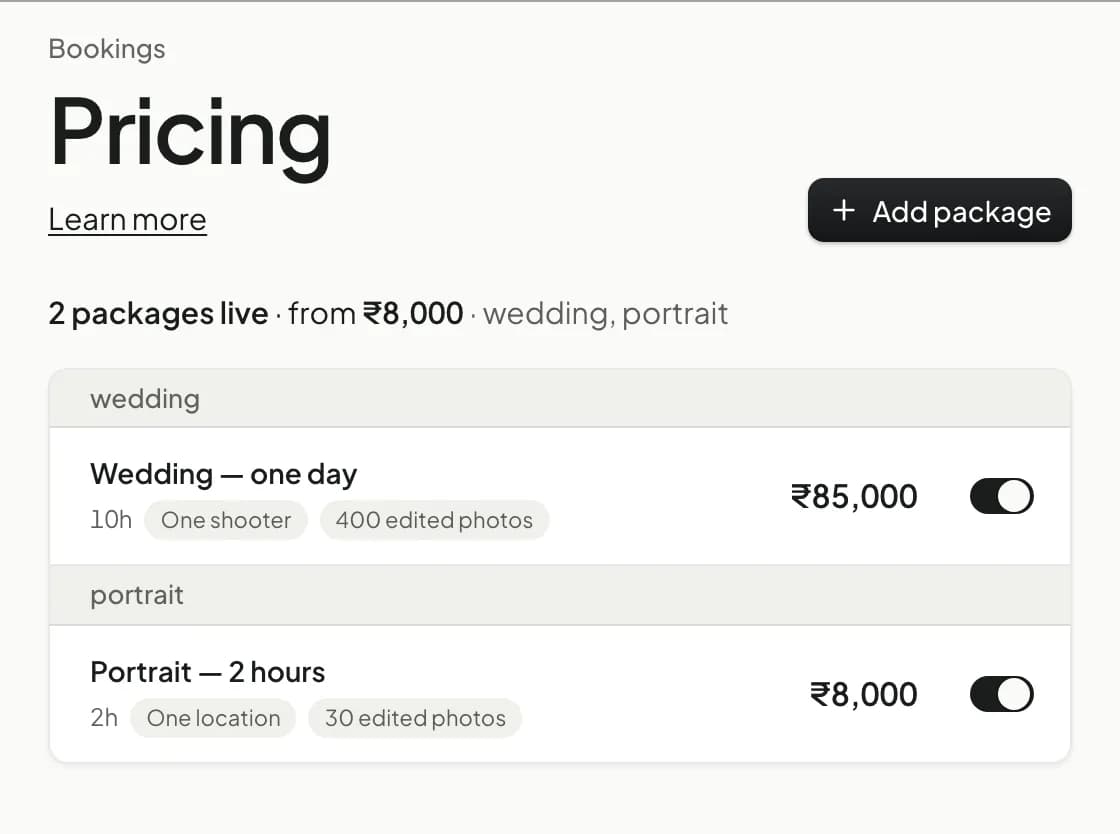
- Step 1: Open Pricing and tap Add package. Fill it in and tap Create package. It goes live as soon as you save.
- Step 2: To hide a package, turn off its switch in the list, or edit it and turn off Visible to clients. Nobody can book a hidden package.
- Step 3: Verify your identity, then add your bank account in Earnings.
- Step 4: Answer each request in Bookings with Send quotation, or decline it with Decline booking.
TipA price change applies to new bookings only.
Until your ID and bank are checked, a client who accepts your price can't pay the advance yet, and the booking shows Verify to receive this payment. Team size and Hourly rate (₹) are under Edit profile › How you work › Team & travel.
Related
Still stuck? Contact us