Tell an event as a story
Updated
A story tells one event from start to finish, on your public profile.
- Step 1: Open Stories and tap New story. Give it a name and tap Add photos.
- Step 2: Add a Title, and one line under it if you like. Name each chapter, like Mehendi or Reception, and tap Add photos in it. Add chapter adds the next one.
- Step 3: Drag the photos into the order the day happened. Set cover picks the photo the story opens with.
- Step 4: Tap Save, then Preview to see it as a client will.
- Step 5: Tick Show on my profile to publish it. A published story shows Live, and you can share its link.
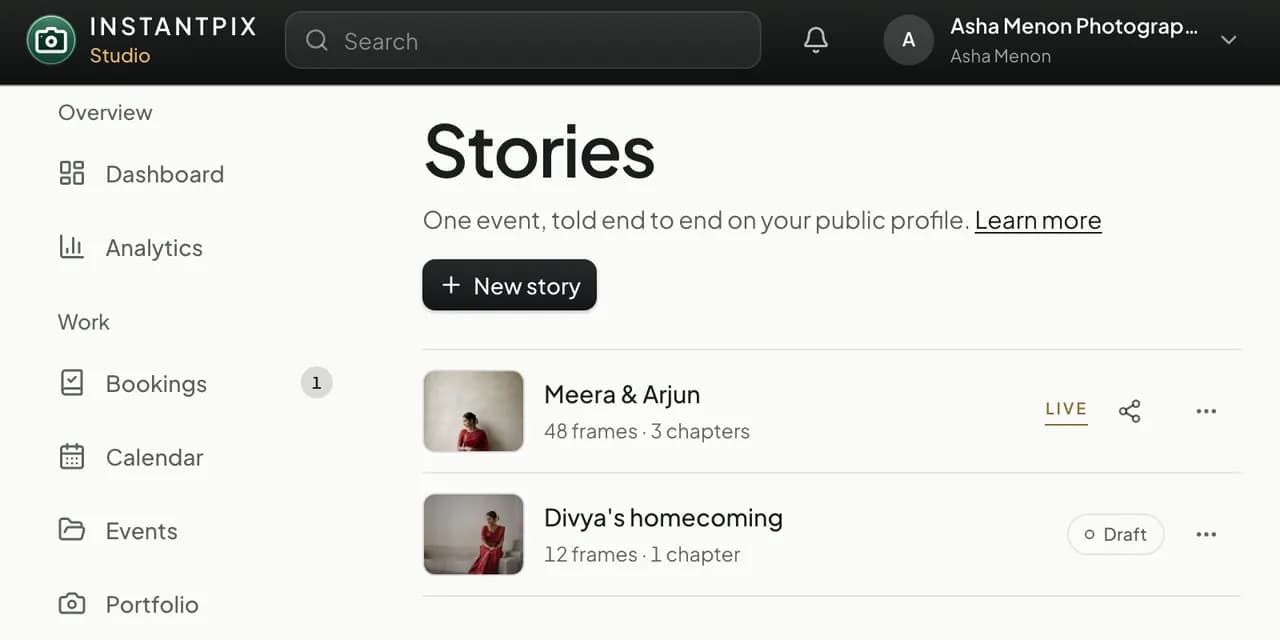
TipUntil you tick Show on my profile, a story is a draft that only you can see.
Chapters are optional. A story needs at least one photo before it can go on your profile. Deleting a published story stops the links you've already sent from working. In the app, tap the star on a photo to make it the cover.
Related
Still stuck? Contact us