Your crew: second shooters and editors
Updated
Add the people who shoot and edit with you, choose what each can open, give them shifts and chat with them.
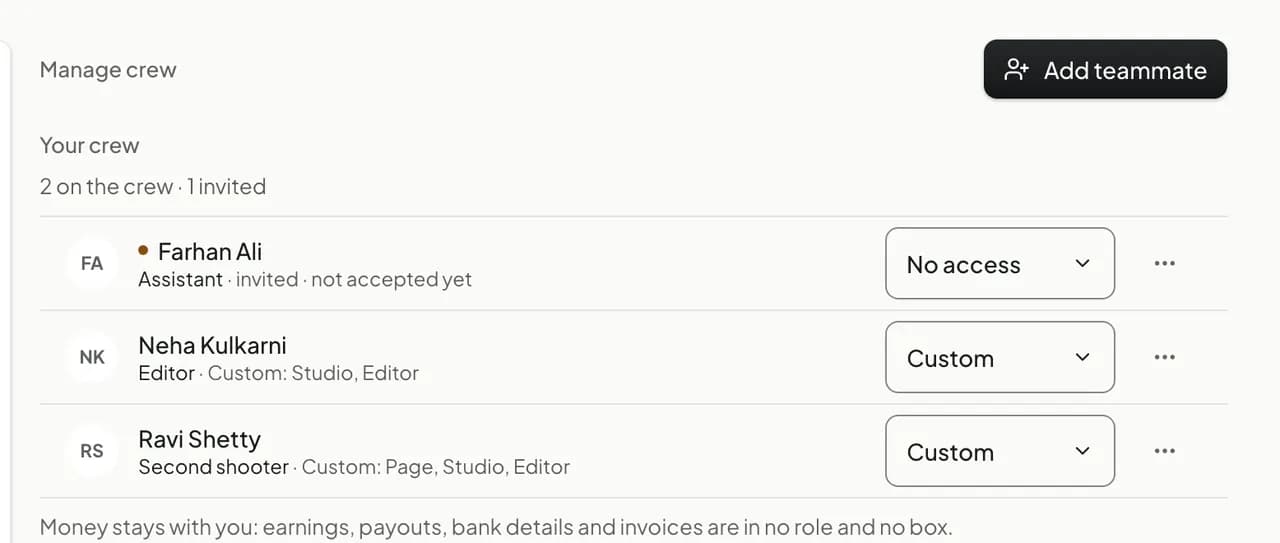
- Step 1: Open Crew and tap Manage crew. Tap Add teammate, fill in their Name and Email, choose a Role, and tap Add teammate.
- Step 2: In the list, choose what each teammate can open in your studio.
- Step 3: People who ask to join with your Crew code wait under Waiting on you. Tap Approve or Decline.
- Step 4: Open Meetings & shifts, go to Shifts and tap Assign shift. Pick the Teammate and the time, and tap Assign shift.
- Step 5: Open Team chat to message everyone, or open a teammate to message just them.
TipCrew never see your earnings, payouts or identity details.
Crew invites go out by email, so add an email address for each teammate. Only the studio owner manages the crew. A teammate can answer a shift with Can't make it. A new crew code stops the old one working. In the app, the same list is called Team, and you add people with Add member.
Related
Still stuck? Contact us