Verify your identity (KYC)
Updated
Verify your identity with DigiLocker so you can add a payout account and get paid.
- Step 1: Open Earnings and tap Verify identity.
- Step 2: Tap Start DigiLocker verification. On the official DigiLocker site, sign in and approve sharing your Aadhaar and PAN.
- Step 3: When you come back, the page shows Verified as and your name. If it shows Waiting on DigiLocker, tap Continue verification or Check status.
- Step 4: Tap Add your bank account. The name on the account must match your verified name.
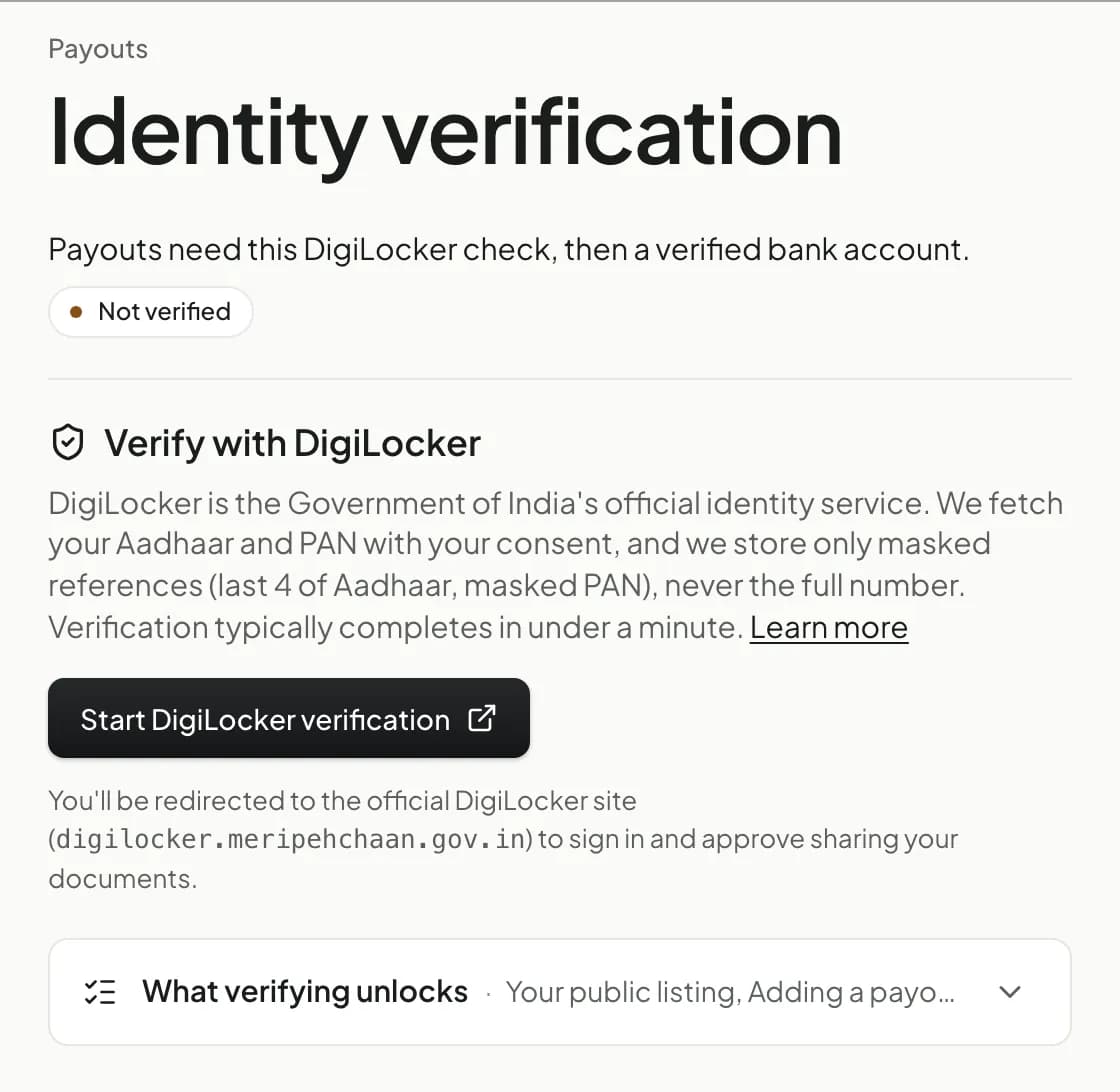
TipWe keep only masked references (the last 4 digits of Aadhaar and a masked PAN), never the full numbers.
You can send prices before you verify, but clients can pay your advance only once your ID and bank are checked. What verifying unlocks lists what's waiting on your account. If DigiLocker can't verify you, you can verify with an OTP sent to your Aadhaar mobile number instead. KYC in review usually takes a day.
Related
Still stuck? Contact us