Turn on Find my photos for an event
Updated
On an organisation's event, its admins switch face scanning on or off in the event's settings.
- Step 1: Open the event and go to Settings.
- Step 2: Choose Access.
- Step 3: Turn on Face scanning. Guests can now use Find my photos.
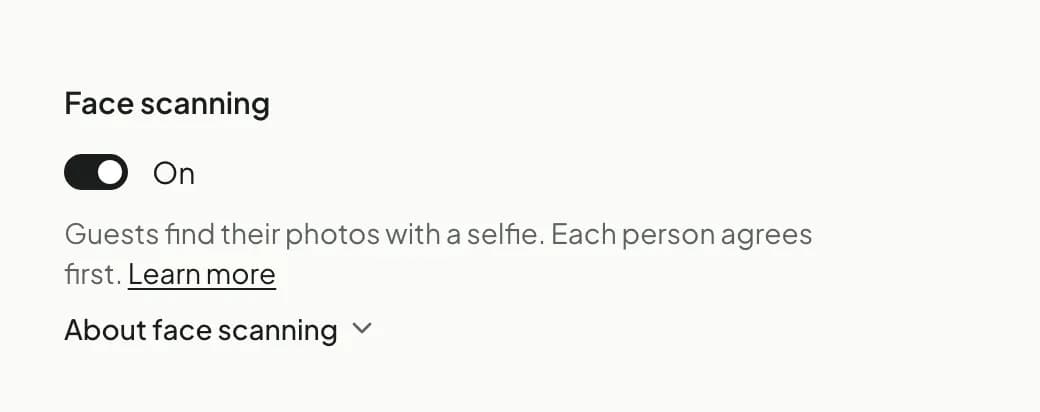
TipTurning it off stops face scanning and deletes the event's face data in a few minutes. The photos stay.
The switch shows only on events that belong to an organisation, to its organisation and unit admins. On a school event it stays off until the school signs the photo agreement.
What your guests see
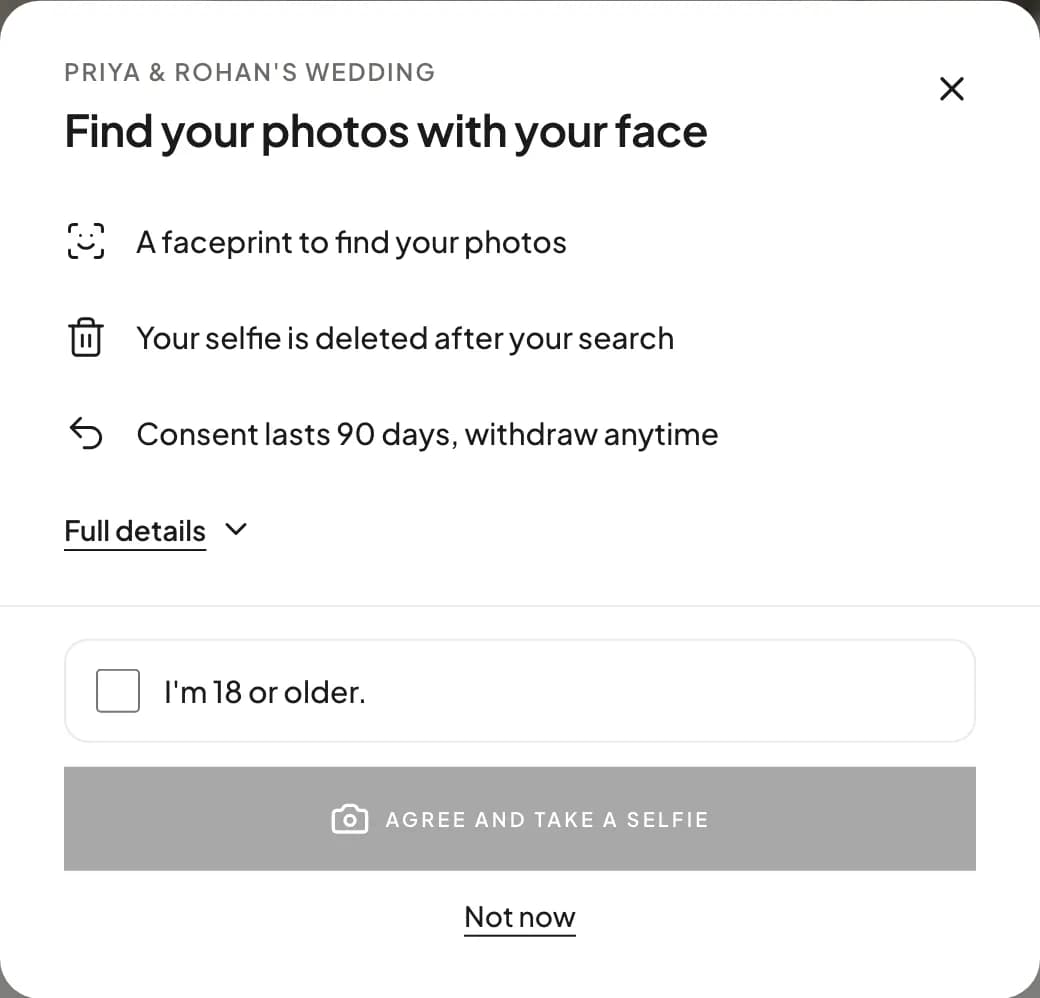
Guests tap Find my photos and take a selfie. Before the camera opens, each person reads a short notice, ticks I'm 18 or older and taps Agree and take a selfie.
Related
Still stuck? Contact us