Give badges on an organisation's event
Updated
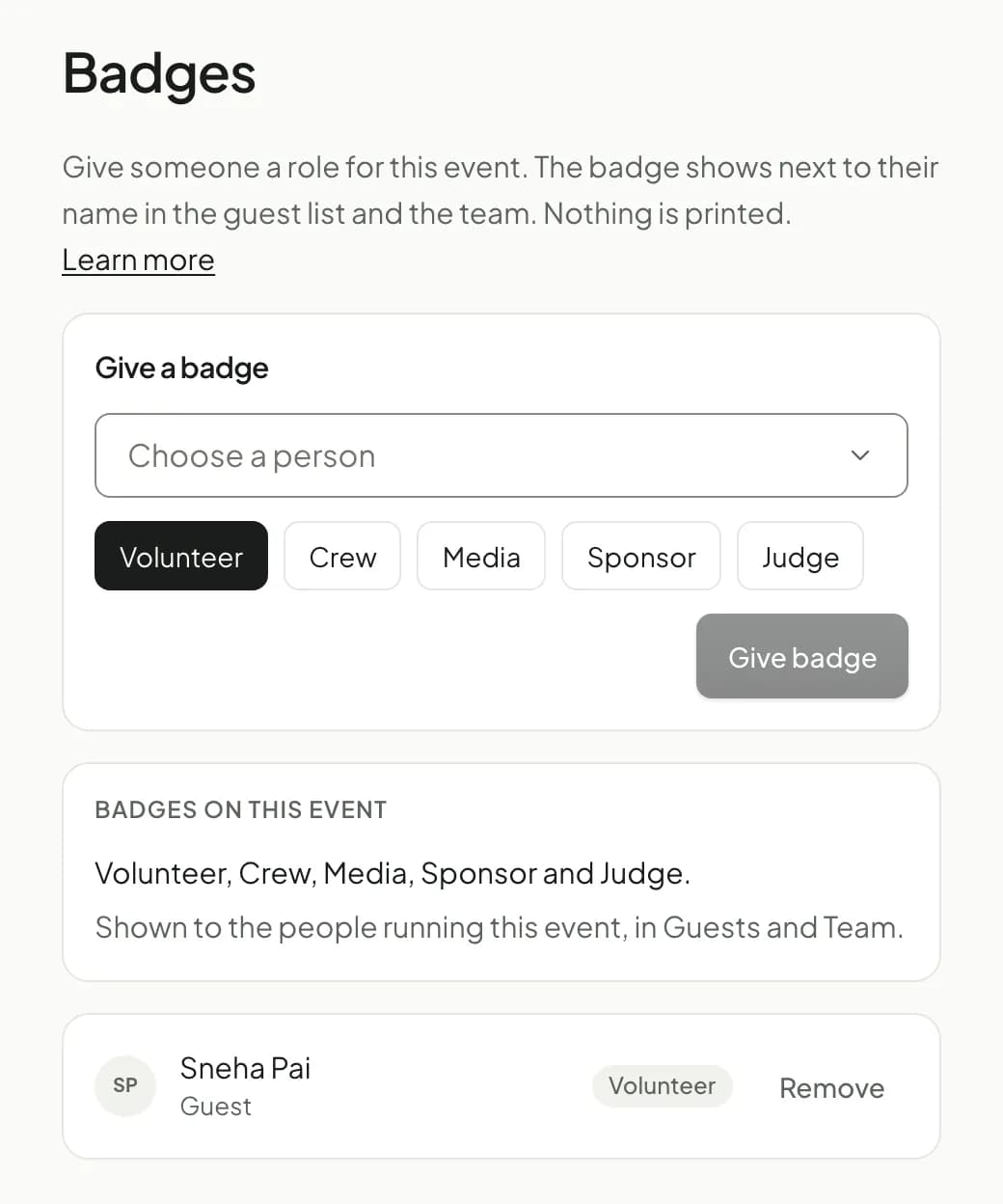
Give someone a role for one event (Volunteer, Crew, Media, Sponsor or Judge). It shows next to their name in the guest list and the team.
- Step 1: Open the event and go to Settings › Badges. This row only shows on an organisation's events.
- Step 2: Under Give a badge, choose a person. Only guests and team members with a name are listed.
- Step 3: Pick Volunteer, Crew, Media, Sponsor or Judge, then tap Give badge.
- Step 4: To take a badge back, tap Remove on its row.
TipNothing is printed. A badge only labels the person on this event.
Related
Still stuck? Contact us