School events and parental consent
Updated
On a school event, face scanning stays off until the school signs the photo agreement.
- Step 1: A school admin opens the event and taps Sign agreement.
- Step 2: Read the agreement and sign it.
- Step 3: Admins can then turn on Face scanning in Settings › Access.
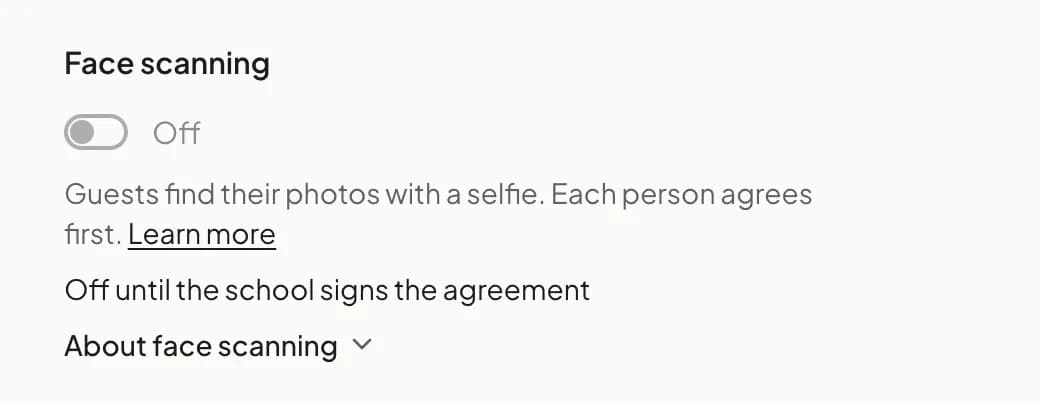
TipThe date the agreement was signed, and the date the face data is deleted, show under the switch.
When a parent removes their child from face search, admins see it in Settings › Guests under Removed from face search. A parent with a question about their child's photos can write to us from Contact us.
Related
Still stuck? Contact us