Watermarks
Updated
Show your logo or a light watermark over the photos guests see on screen.
- Step 1: For every gallery: open Studio Branding and turn on Watermark my galleries. Choose your logo or your name.
- Step 2: For one event: open the event and choose the Design tab.
- Step 3: Go to Proofing and turn on Watermark proofs.
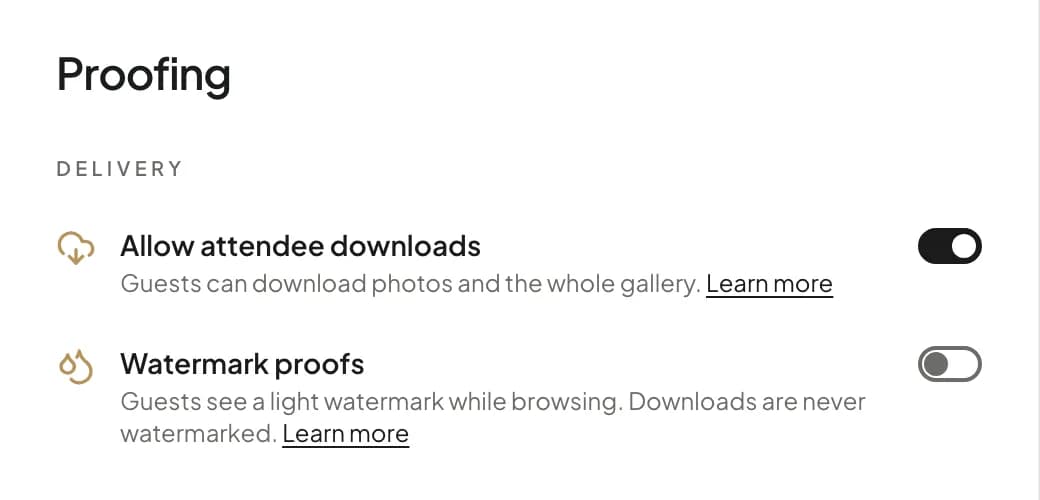
TipBoth are display-only. Your stored originals and any downloads are never watermarked.
To stop guests downloading, turn off Allow attendee downloads on the same page.
What your guests see
Guests see the watermark over the photos in the gallery. Your Studio Branding mark sits in a corner of each photo. While Watermark proofs is on, a light watermark runs across each photo instead.

Related
Still stuck? Contact us