Let guests download photos
Updated
Guests can download single photos or the whole gallery when downloads are on. You switch it per event.
- Step 1: Open your event and choose the Design tab.
- Step 2: Go to Proofing.
- Step 3: Turn on Allow attendee downloads.
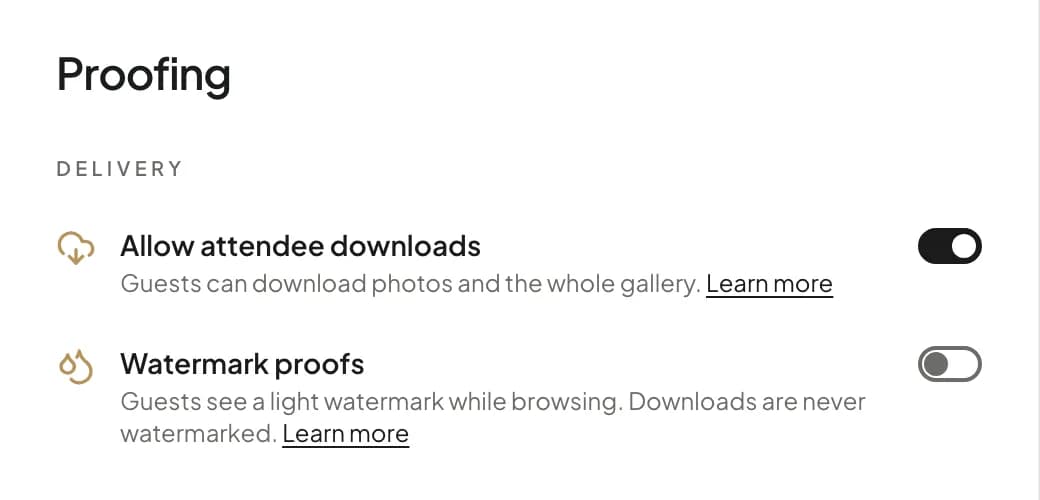
TipOff hides the download buttons for guests. They can still screenshot a photo.
What your guests see
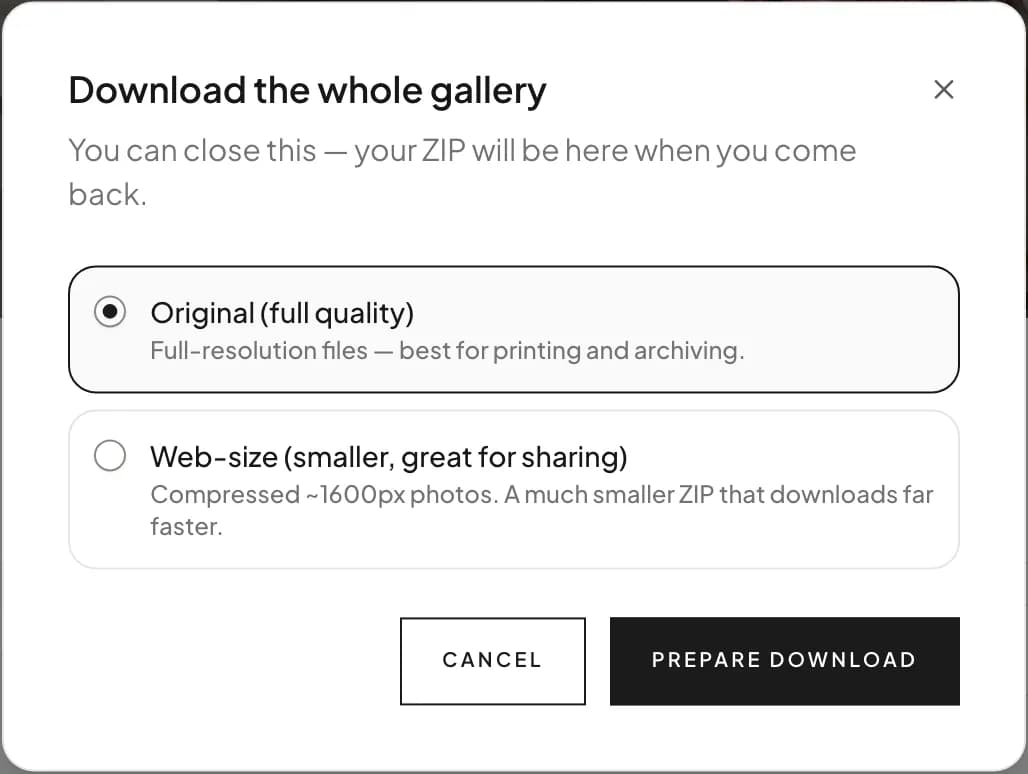
Guests tap Download all and choose Original (full quality) or Web-size. A guest who isn't signed in signs in first; it's free.
Related
Still stuck? Contact us